🔍 Details Needed to Search Encumbrance (EC):
- 1. Zone and Sub-Registrar Office (சார் பதிவாளர் அலுவலகம் - SRO)
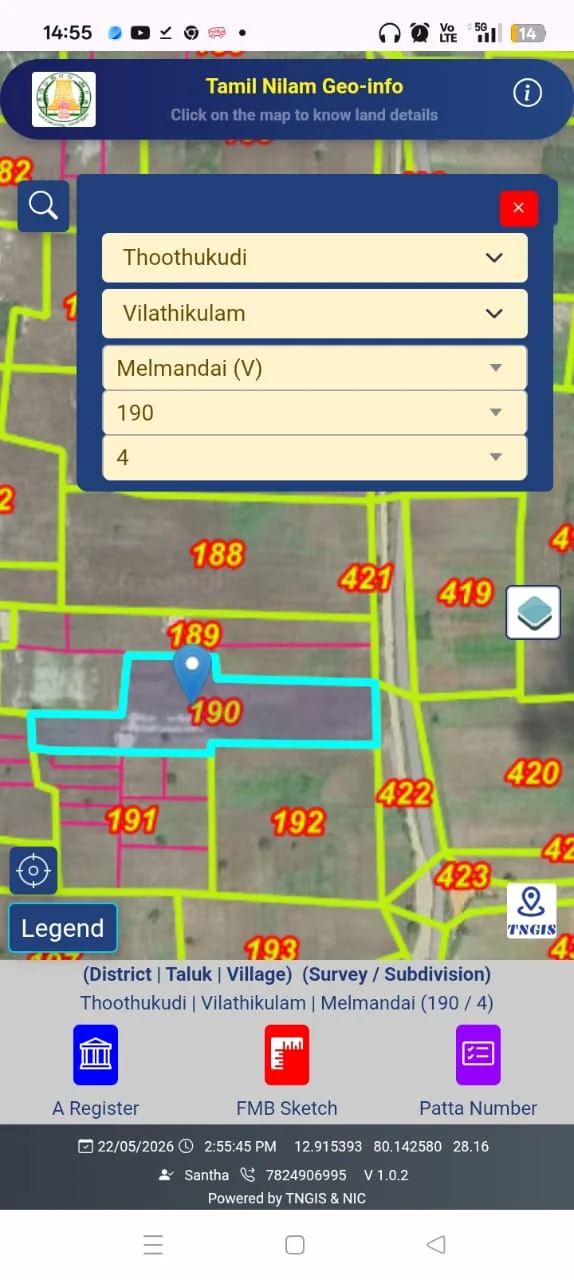
- 2. Village and Survey Number / Sub-division Number
- 3. Search Time Period (Recommended: from 01-01-1995 to Current Date, minimum 30 years)
🚀 Step-by-Step Instructions:
Step 1: Go to the official TNREGINET website: tnreginet.gov.in.
Step 2: Navigate to "E-Services -> Encumbrance Certificate -> View EC".
Step 3: Select your Zone, District, Sub-Registrar Office, and Revenue Village.
Step 4: Enter your Start Date and End Date, then enter the Survey Number and Sub-division Number.
Step 5: Click Search to view the complete chronological list of registered transactions. If no transactions or mortgages exist, a 'Nil Encumbrance' certificate will be displayed.
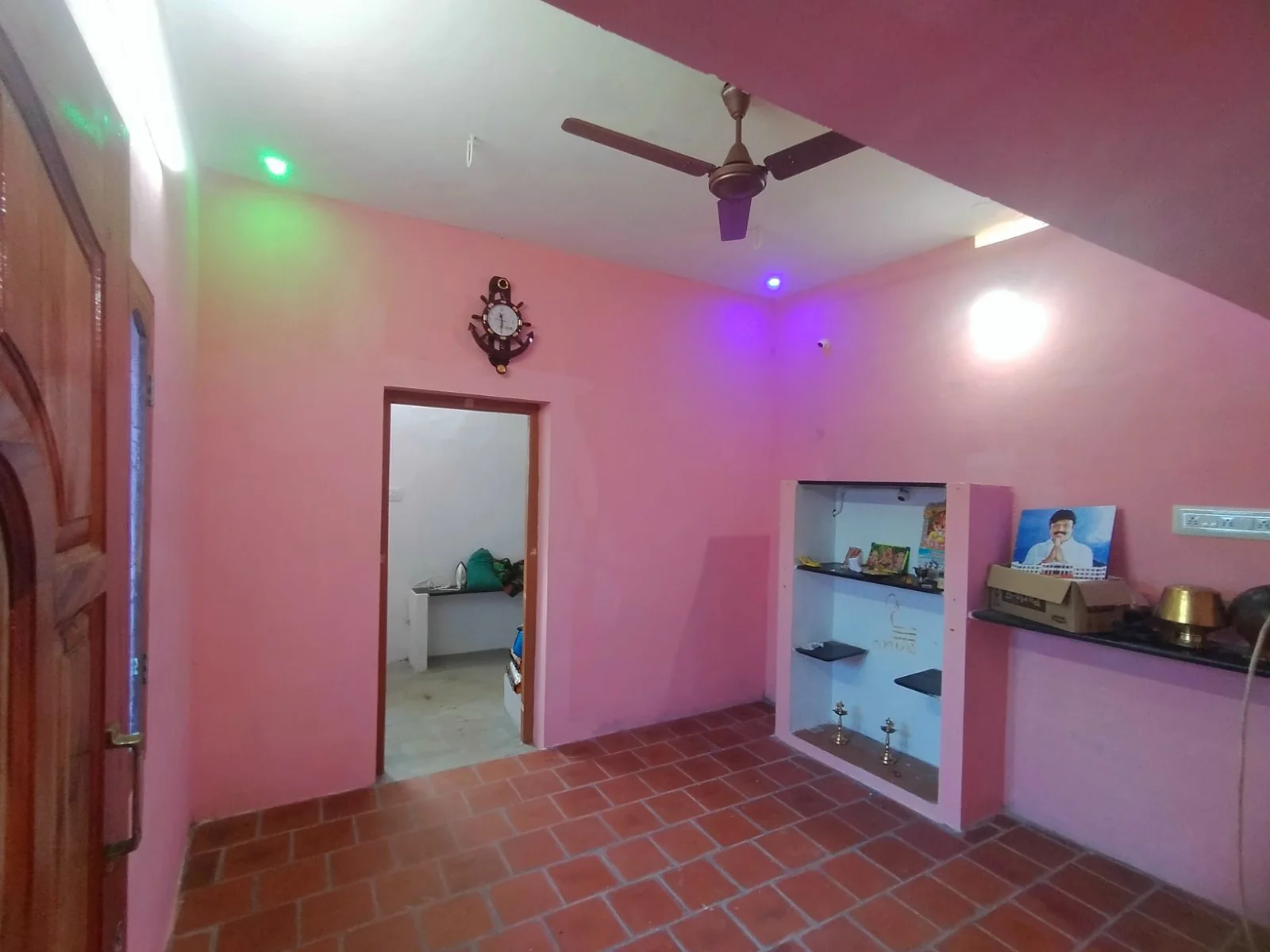
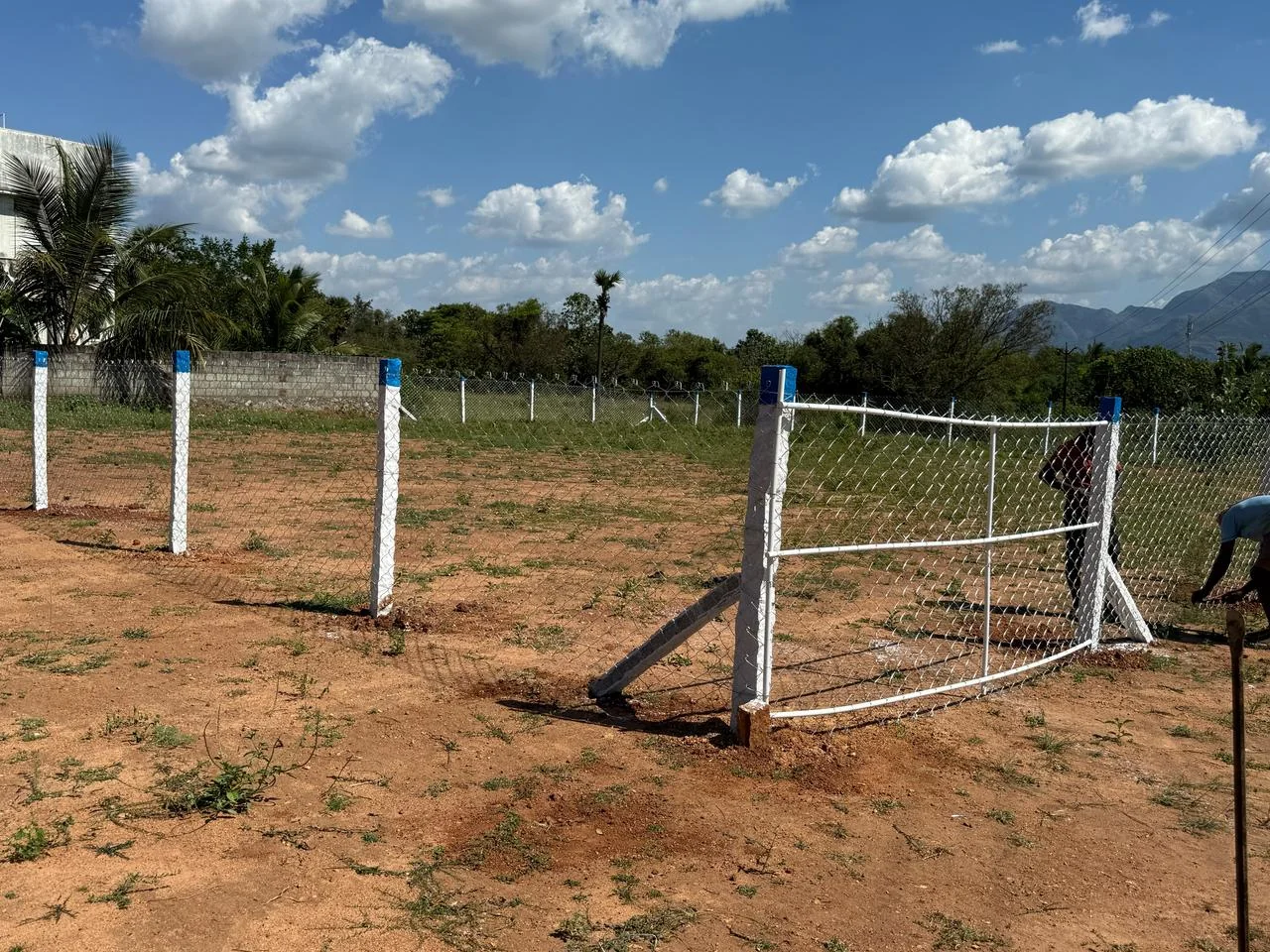
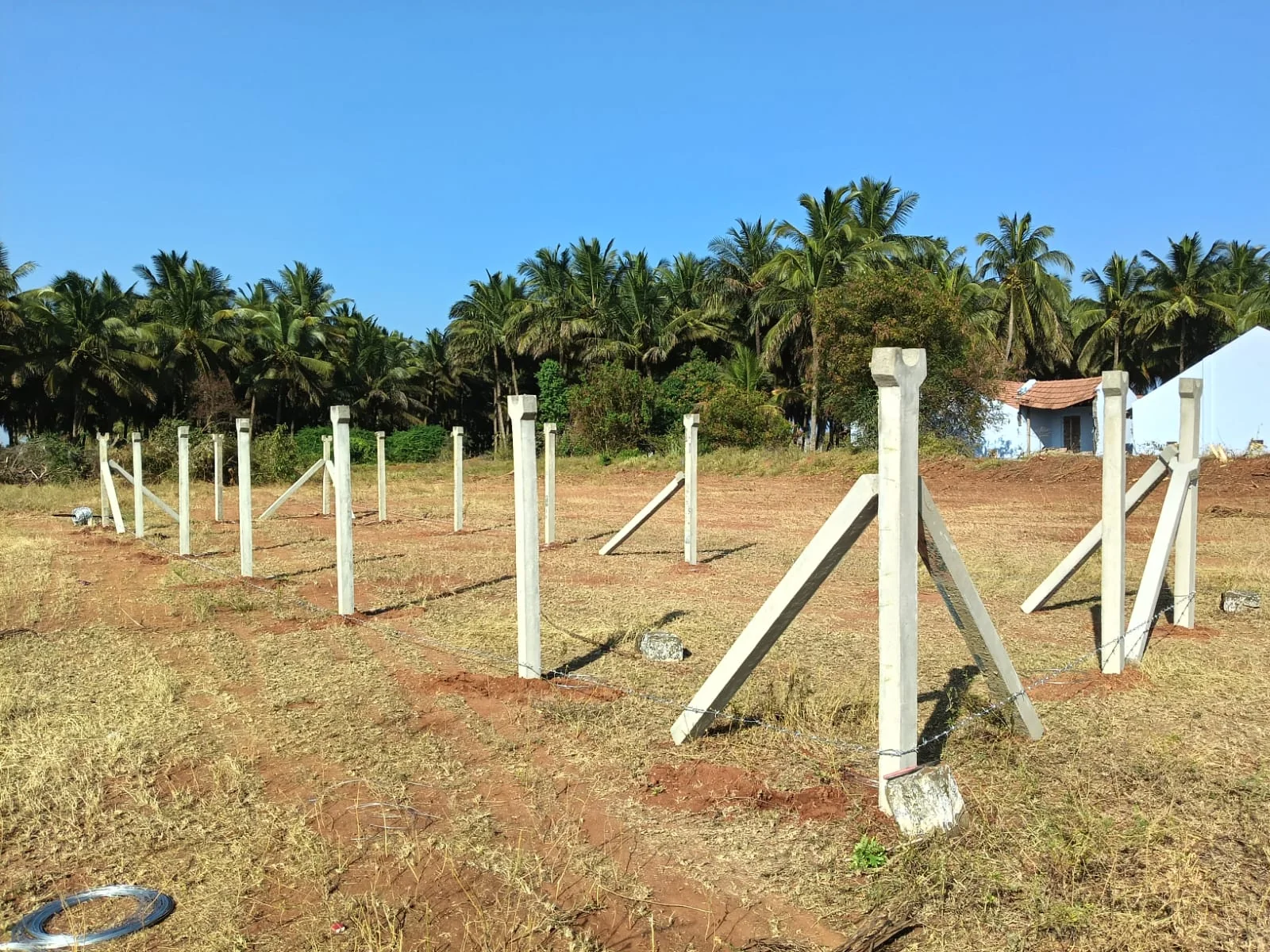
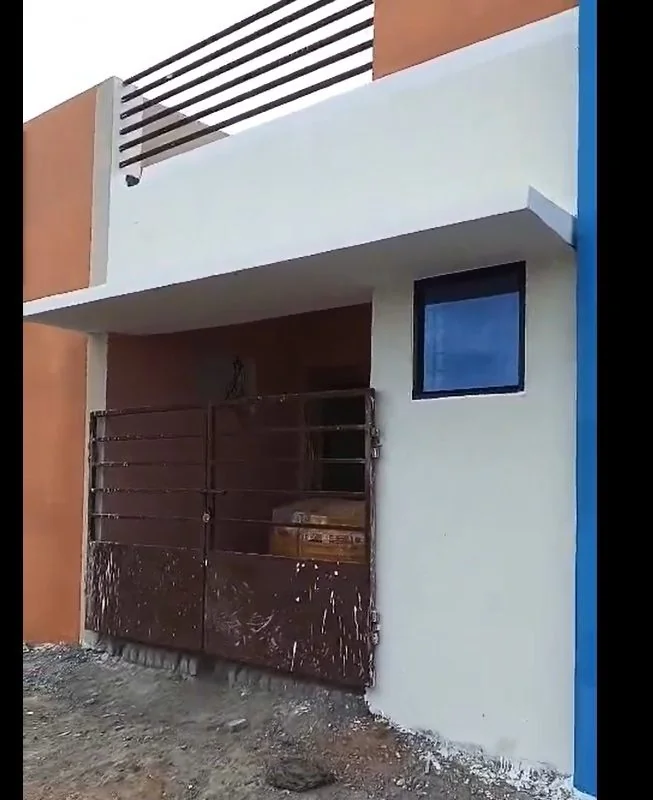
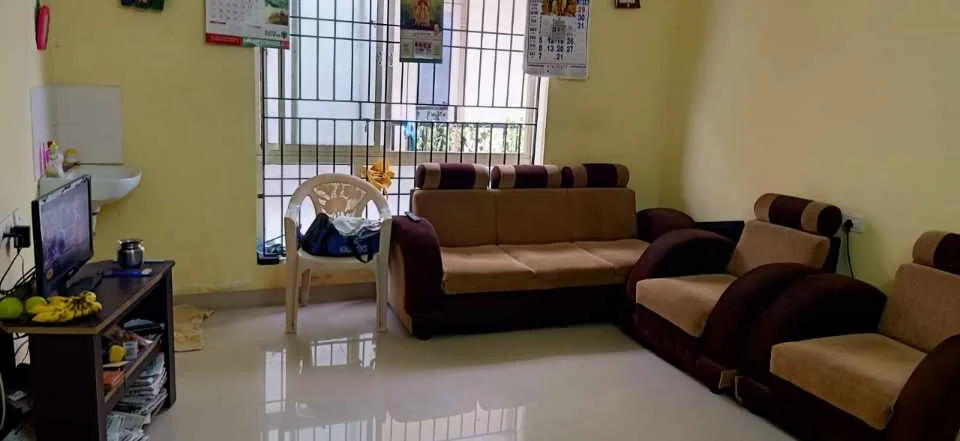
📍 Live Direct Owner Listings (Zero Brokerage)
Verified latest properties direct from owners without middlemen:
❓ Frequently Asked Questions (FAQ)
❓ Is there any fee to inspect an Encumbrance Certificate online in Tamil Nadu?
No! Viewing and verifying EC records on the TNREGINET portal is 100% free of cost. Fees apply only if you order a physical certified copy with official government seal.
❓ How many years of EC should be verified when buying property?
It is legally and financially critical to inspect at least 30 consecutive years of Encumbrance Certificates to confirm that the chain of title is intact and free of undisclosed encumbrances.
Looking to sell your property in Tamil Nadu?
0% Commission • Zero Middlemen • Connect directly with genuine buyers.
Post Free Ad Now →