📝 Information Required to View Patta & Chitta:
- 1. District (மாவட்டம்)
- 2. Taluk / Revenue Division (வட்டம்)
- 3. Revenue Village (வருவாய் கிராமம்)
- 4. Survey Number & Sub-division Number, or Patta Number
🚀 Step-by-Step Instructions:
Step 1: Visit the official Tamil Nadu Government portal: eservices.tn.gov.in.
Step 2: On the homepage, select "View Patta / Chitta Details (பட்டா / சிட்டா விவரங்களை பார்வையிட)".
Step 3: Select your District and Area Type (Rural / Urban).
Step 4: Select your Taluk and Revenue Village, then enter your Survey Number and Sub-division Number.
Step 5: Enter the verification Captcha code and click Submit. Your official digitally signed computer Patta/Chitta document with QR code will appear. You can download and save it as a PDF.
💡 Critical Advice for Property Buyers:
Ensure that the survey number, sub-division number, and owner's name on the sale deed match 100% with the AnyTN online Patta record. If it is a joint patta (கூட்டு பட்டா), verify whether a formal sub-division has been executed to obtain an individual patta.
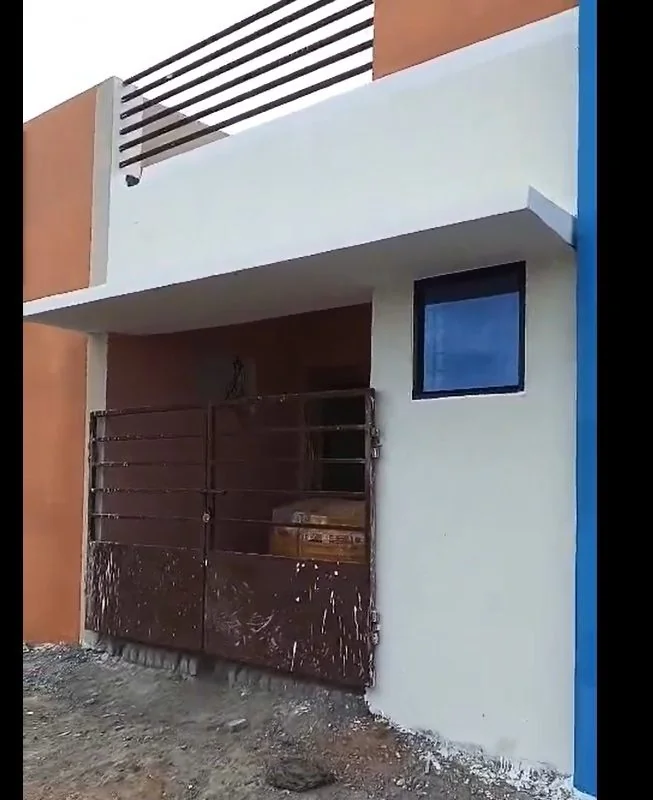
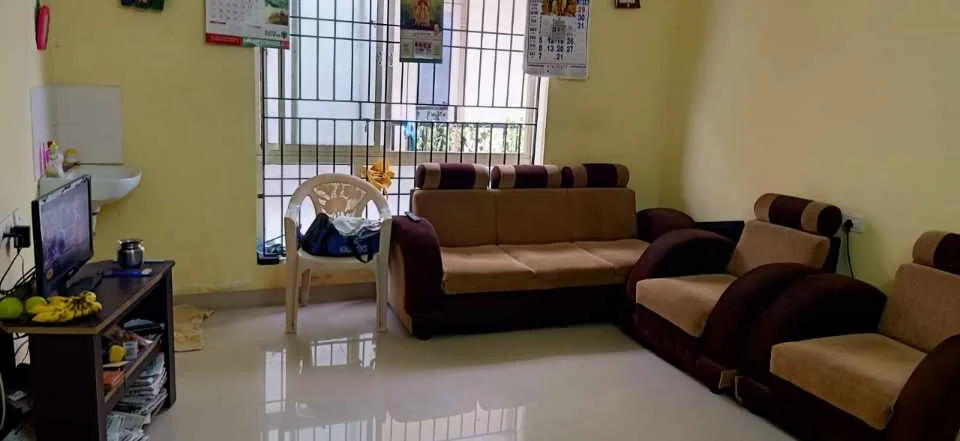
📍 Live Direct Owner Listings (Zero Brokerage)
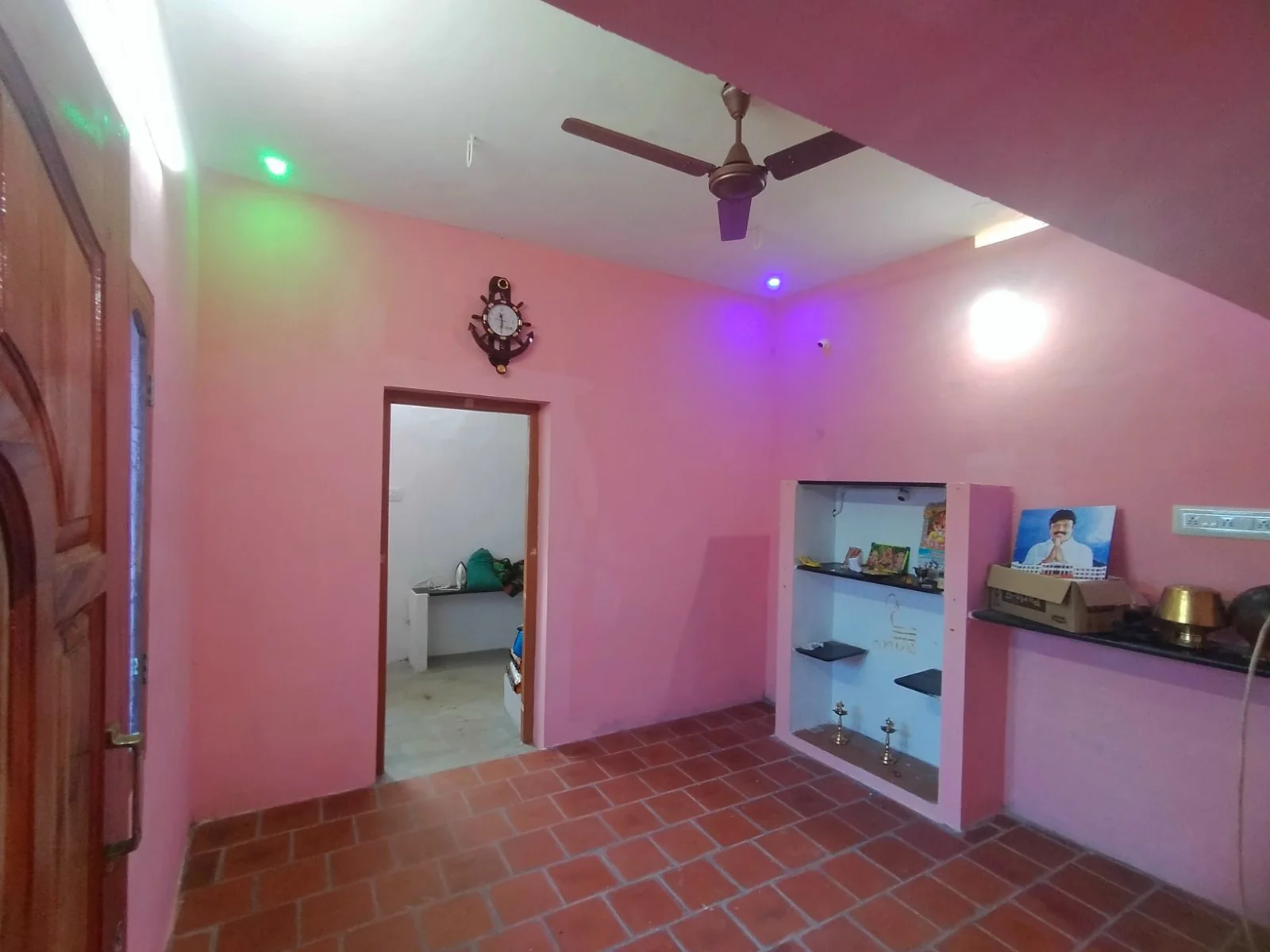
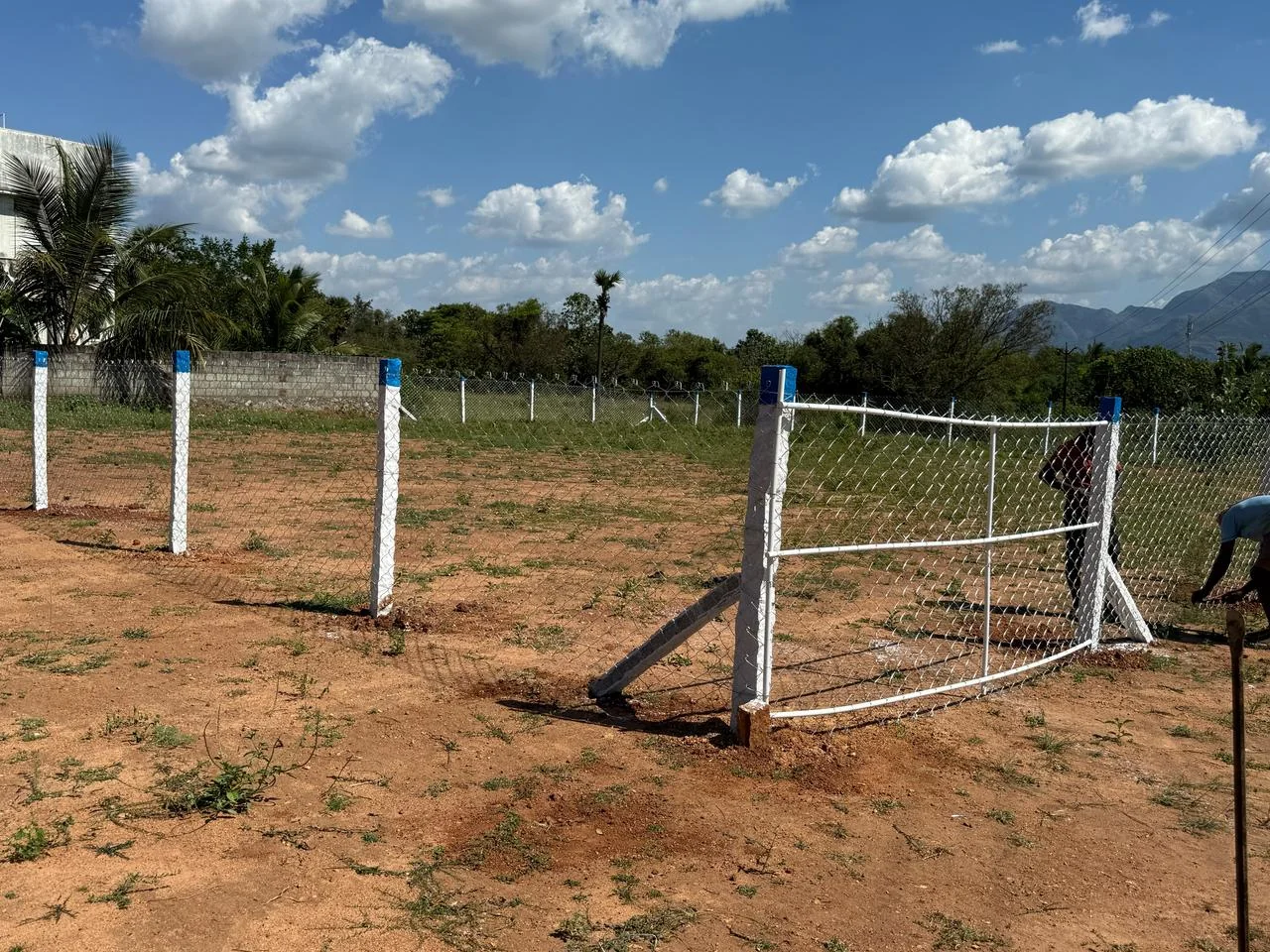
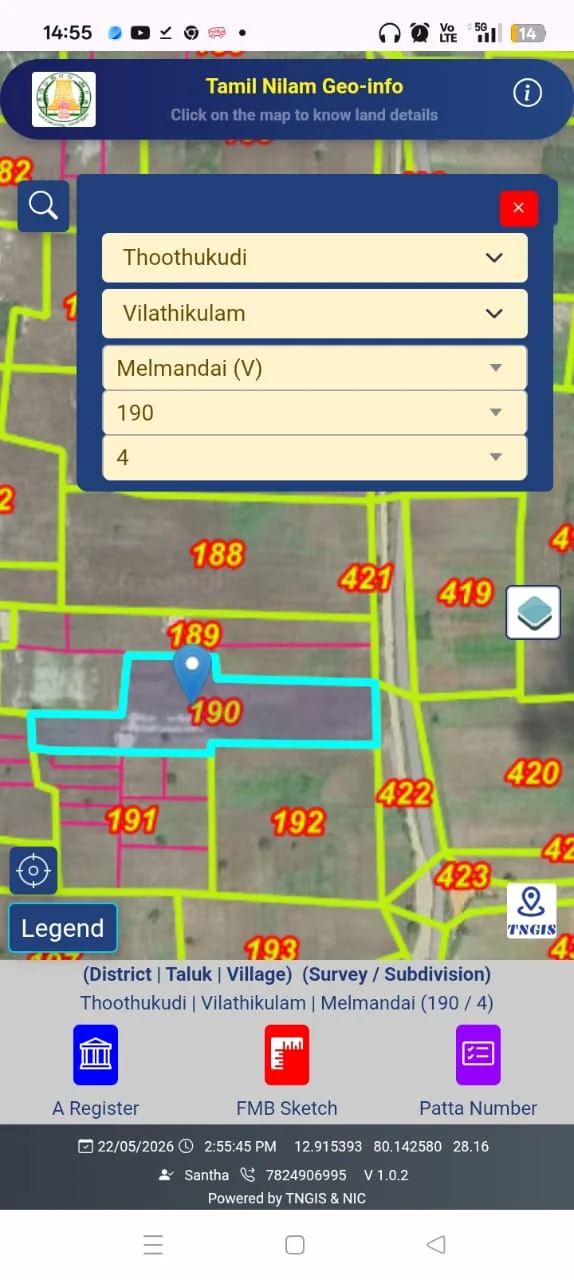
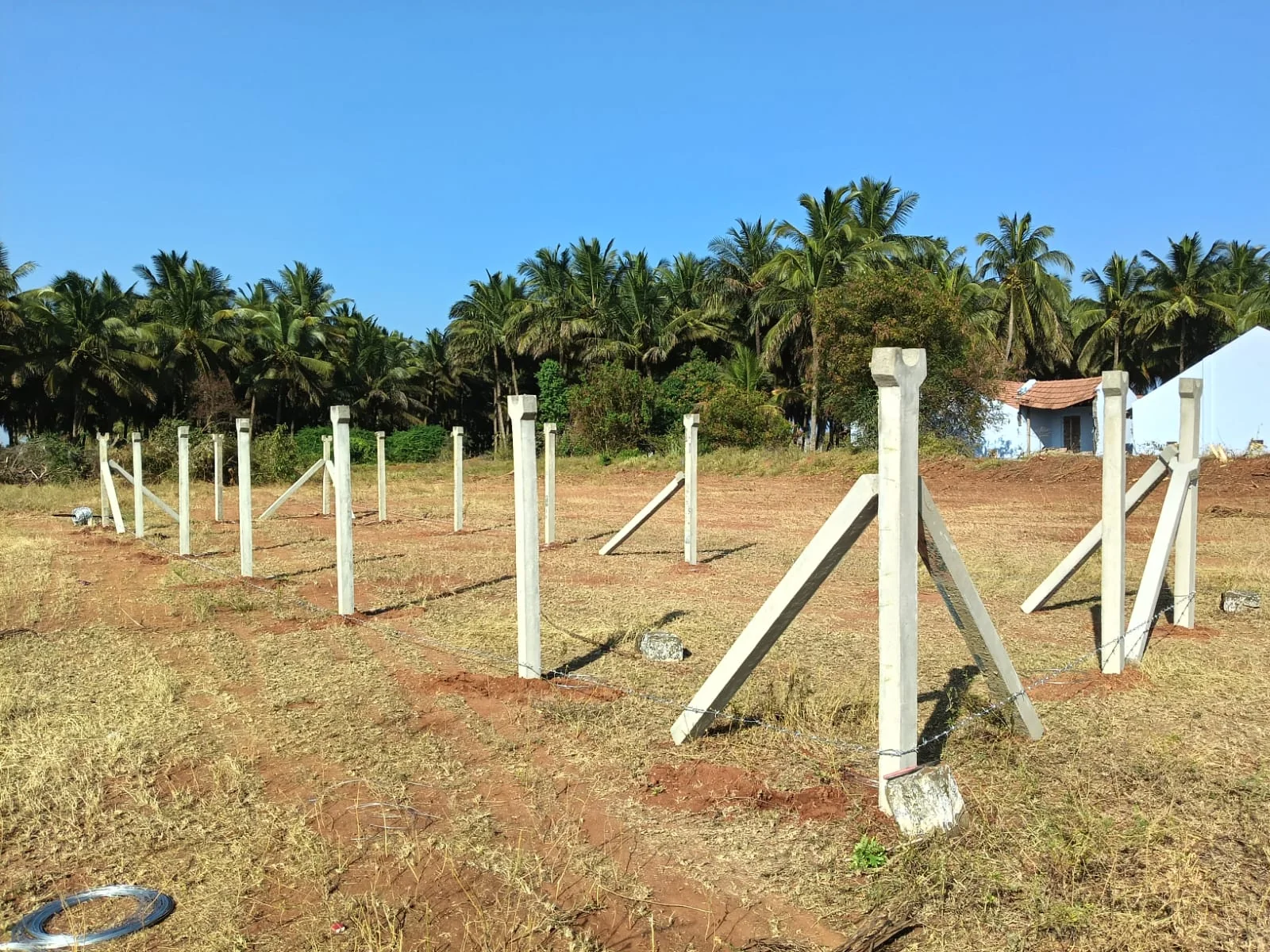
Verified latest properties direct from owners without middlemen:
❓ Frequently Asked Questions (FAQ)
❓ Is an online downloaded Patta legally valid in Tamil Nadu?
Yes! The computer-generated Patta downloaded from eservices.tn.gov.in features a digital signature and QR verification code, making it legally accepted across all government offices, banks, and courts.
❓ How long does it take for Patta name transfer after registration?
Under Tamil Nadu's automatic patta transfer system, the revenue department typically issues the updated Patta in the buyer's name within 15 to 30 days following sale deed registration.
Looking to sell your property in Tamil Nadu?
0% Commission • Zero Middlemen • Connect directly with genuine buyers.
Post Free Ad Now →